English
 Arabic
 French
 Spanish
 Portuguese
 Deutsch
 Turkish
 Dutch
 Italiano
 Russian
 Romaian
 Portuguese (Brazil)
 Greek
Wedding Kurta Set for Women: Elegant Ethnic Styles for Every Wedding Celebration
Shopping |
2026-10-30 11:14:55
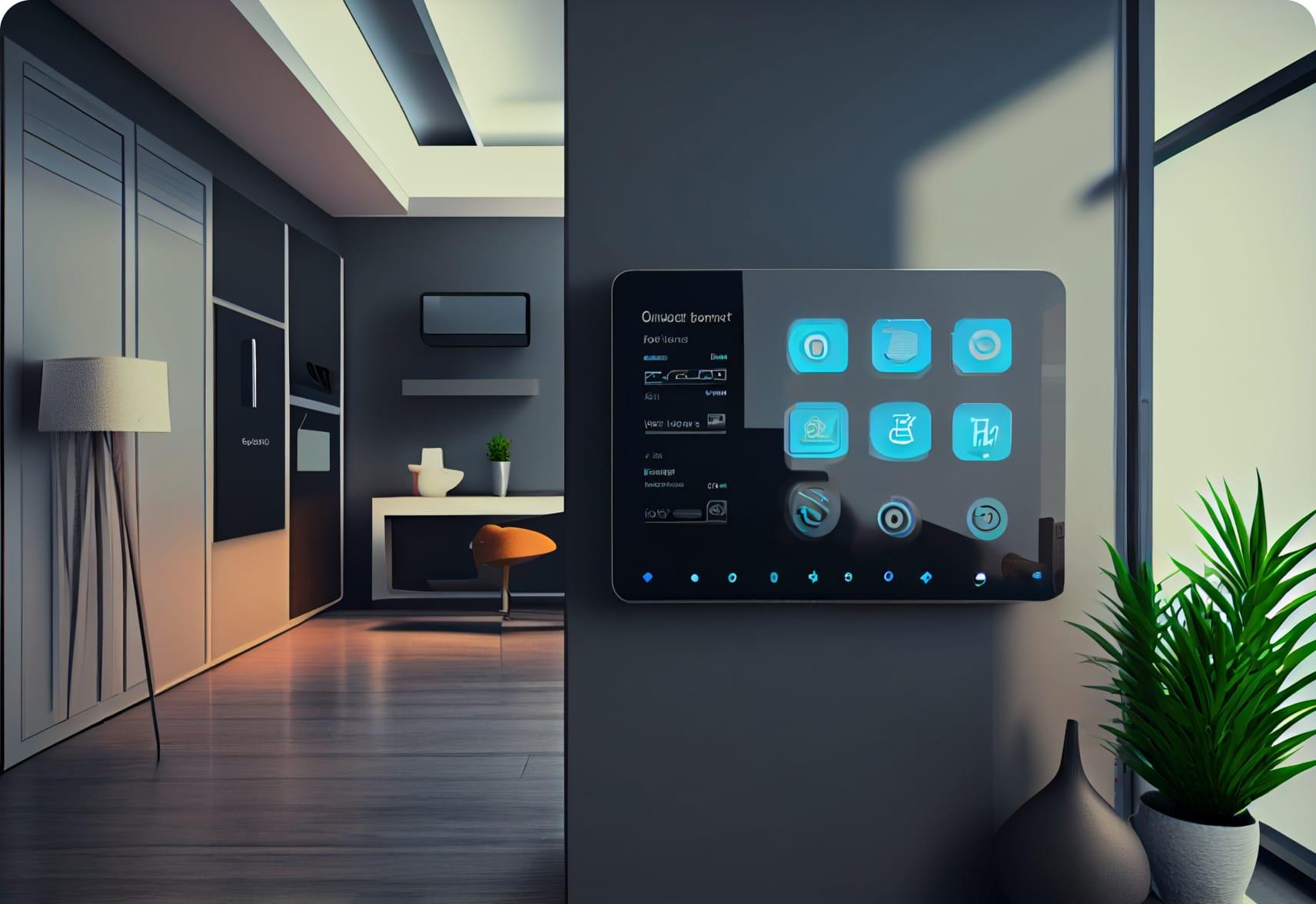
Modern technology continues to change how homeowners manage their living spaces. Smart devices make it easier to control lighting, temperature, security, and entertainment without constantly adjusting individual equipment. These improvements can help create a more comfortable environment while simplifying daily responsibilities. Whether someone lives in a small apartment or a spacious house, automation offers practical ways to make everyday routines smoother, more organized, and better suited to personal preferences.
Implementing Residential Automation Hoboken NJ can help homeowners introduce convenient technology into their everyday routines. Residential automation connects compatible devices, allowing them to operate through centralized controls, scheduled settings, or automatic responses. Features may include smart lighting, thermostats, electronic locks, security cameras, and other connected equipment. These solutions provide greater control over household functions and allow residents to manage different aspects of their homes with less manual effort.
Comfort is an important consideration when creating a pleasant living environment. Smart thermostats can maintain preferred temperatures throughout the day, while automated lighting can adjust according to schedules or activities. Homeowners may create different settings for mornings, evenings, relaxation, or entertaining guests. These personalized controls make it easier to maintain comfortable surroundings without repeatedly changing individual settings. Over time, automated routines can become a natural part of daily living.
Managing several household devices can become time-consuming, especially for people with busy schedules. Connected technology makes it possible to control compatible equipment through smartphones, tablets, or voice assistants. Residents may switch off lights, adjust heating, check security cameras, or manage entertainment devices without moving from one room to another. Centralized controls also reduce the need for multiple remotes and separate applications, making household management more straightforward.
Smart technology can provide additional tools for protecting residential properties. Video doorbells, motion detectors, security cameras, and connected locks allow homeowners to monitor certain activities and receive notifications when something unexpected occurs. Remote access makes it possible to check selected devices while away from home. Automated lighting schedules can also create the appearance of occupancy during vacations or extended absences. These features can improve awareness and provide reassurance when combined with traditional security practices.
Energy management is another practical benefit of automation. Smart thermostats can adjust heating and cooling according to occupancy, schedules, and preferred temperatures. Automated lights can turn off when rooms are unused, helping prevent unnecessary electricity consumption. Some connected devices also provide energy usage information, allowing residents to better understand their household consumption. Although actual savings depend on equipment and usage habits, these features encourage more efficient energy management.
One advantage of connected technology is the ability to create routines that combine multiple functions. For example, a morning routine might gradually brighten bedroom lights, adjust the thermostat, and turn on selected appliances. An evening routine could dim lights, lower temperatures, and activate security settings. These coordinated actions reduce repetitive tasks and allow the home to respond more naturally to residents' schedules. Simple routines can often provide meaningful convenience without requiring complicated controls.
Before introducing new devices, homeowners should consider their existing equipment and technology preferences. Not every smart product works with every platform, so compatibility is important when planning a connected environment. Reliable Wi-Fi coverage, appropriate device placement, and suitable control interfaces can also affect performance. Selecting equipment based on actual household needs helps avoid unnecessary purchases and makes future expansion easier. A well-organized setup should remain practical, dependable, and simple to operate.
Smart devices require occasional maintenance to keep them functioning properly. Software updates, secure passwords, network improvements, and reviewing device settings can help maintain performance and protect privacy. Homeowners should also understand basic manual controls in case internet connectivity becomes unavailable. Taking these precautions can reduce potential interruptions and help residents feel more confident using connected technology throughout their homes.
Residential technology can evolve alongside changing lifestyles. Families may add new devices when their priorities change, while homeowners might introduce additional automation as they become more familiar with existing features. Starting with essential functions and expanding gradually can make the process more manageable. Flexible equipment and compatible platforms allow residents to build upon their existing setup without making unnecessary changes.
A well-planned automated home offers more than modern features. It can provide greater comfort, improved convenience, enhanced security awareness, and better control over household energy usage. By focusing on practical needs and choosing suitable technology, homeowners can create living spaces that support their routines and preferences. Smart automation makes it possible to enjoy a more organized and adaptable home while keeping everyday living simple and comfortable.